
Security meets UX
Empower your crypto journey with Pali's secure wallet suite. Seamlessly browse any dapp natively with high transaction speeds and full multichain support. Explore the limitless possibilities in blockchain technology with no compromises.
Pali browser extension is available on:

The Pali Way 🕉
Our open and community-oriented approach to buidling is guided by Satoshi-aligned values, security-first design and strong focus on user empowerment
Open-Source Transparency
Pali Wallet's codebases are distributed under OS licenses, over at our Github. You're free to verify everything, anytime.
User-Owned Data
Pali collects zero user data nor will ever start doing so. All data is kept safely encrypted in your device, never to leave.
Community First
Continuously enhanced by developers connected to user needs, Pali's features evolve alongside its loyal community.
Crypto-Native Security
No fancy MPC, cloud-based, or other forms of unproven schemes. Bare local cryptography, that's it, zero external trust.
Scale-Ready Usability
Clean, intuitive interfaces paired with a dapp browsing experience like no other. Ready to handle the fastest blockchains.
Connected Flexibility
Pali is built with a multi-chain landscape in mind. Easily add in new chains, tokens, configs and customize your experience.


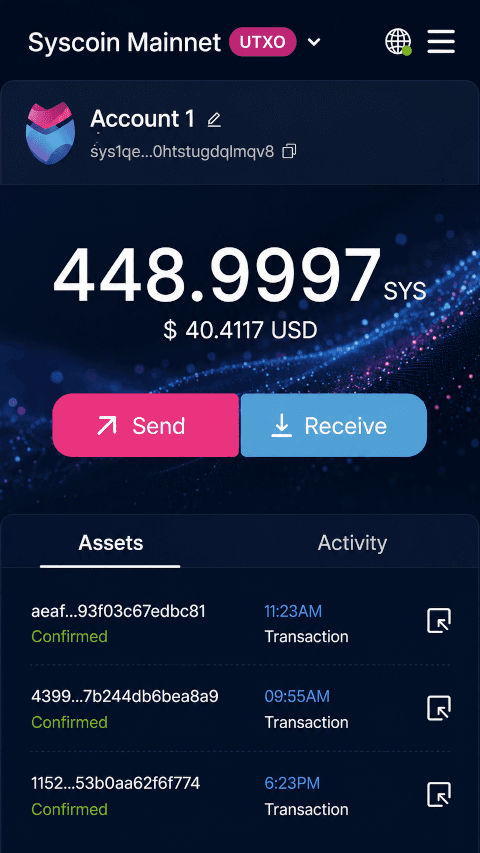
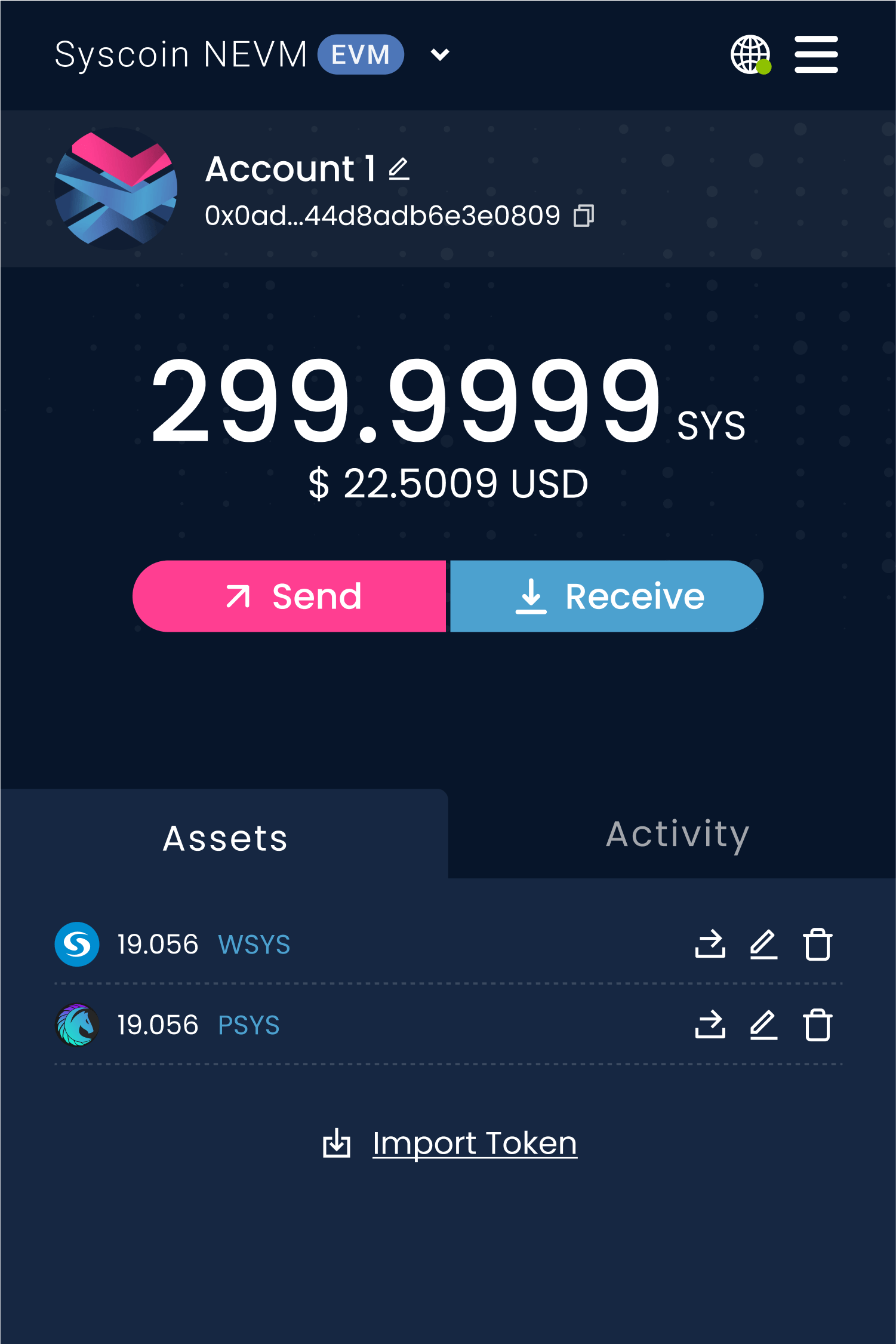
Pali Extension
The first smart browser extension wallet that
supports both UTXO and EVM blockchains.


Frequently asked questions
If you have anything else you want to ask, join our Discord channel.
Should I share my Secret Recovery Phrase or Private Key?
The only time Pali will ask any of these is during the account creation/import process. No member of our team, community or broader ecosystem will ever ask you for this, absolutely don't ever share this information with anyone!
Do I need cryptocurrency to use Pali?
Technically, no. You can accept signature requests from sites and also receive assets without any value in your account. On the other hand, you do need crypto in order to send transactions and perform more advanced blockchain interactions.
How do I transfer my existing crypto and tokens to Pali?
You can send assets from another wallet to a new Pali account. Simply copy your new Pali public address (in the format 0x420f1...6HJ9 for EVMs) and go to your existing wallet or exchange to send funds to your new wallet address.
I lost my password/seed phrase: How do I restore my wallet?
If you cannot remember your password, you must restore your account using your Secret Recovery Phrase and create a new password. The Secret Recovery Phrase is the last resort when it comes to recovering an account, if you lose it, it's gone.
Contact
Head over to our Discord channel for team support, feature discussion and feedback. For business inquiries you can mail us at contact@paliwallet.com
Customer Testimonials
Hear from our wallet users about their experiences with Pali.
PARTNERS